GIF to MP4 Converter: free, with no upload
To convert a GIF to MP4, drop your GIF into the converter below, pick a width, a repeat count and a background colour, then press Convert. Your browser builds an H.264 MP4 on your own computer, so your file never leaves your device. It is free and needs no account.
Your file never leaves your deviceBy Chris, Screencap Team · Updated 24 October 2026
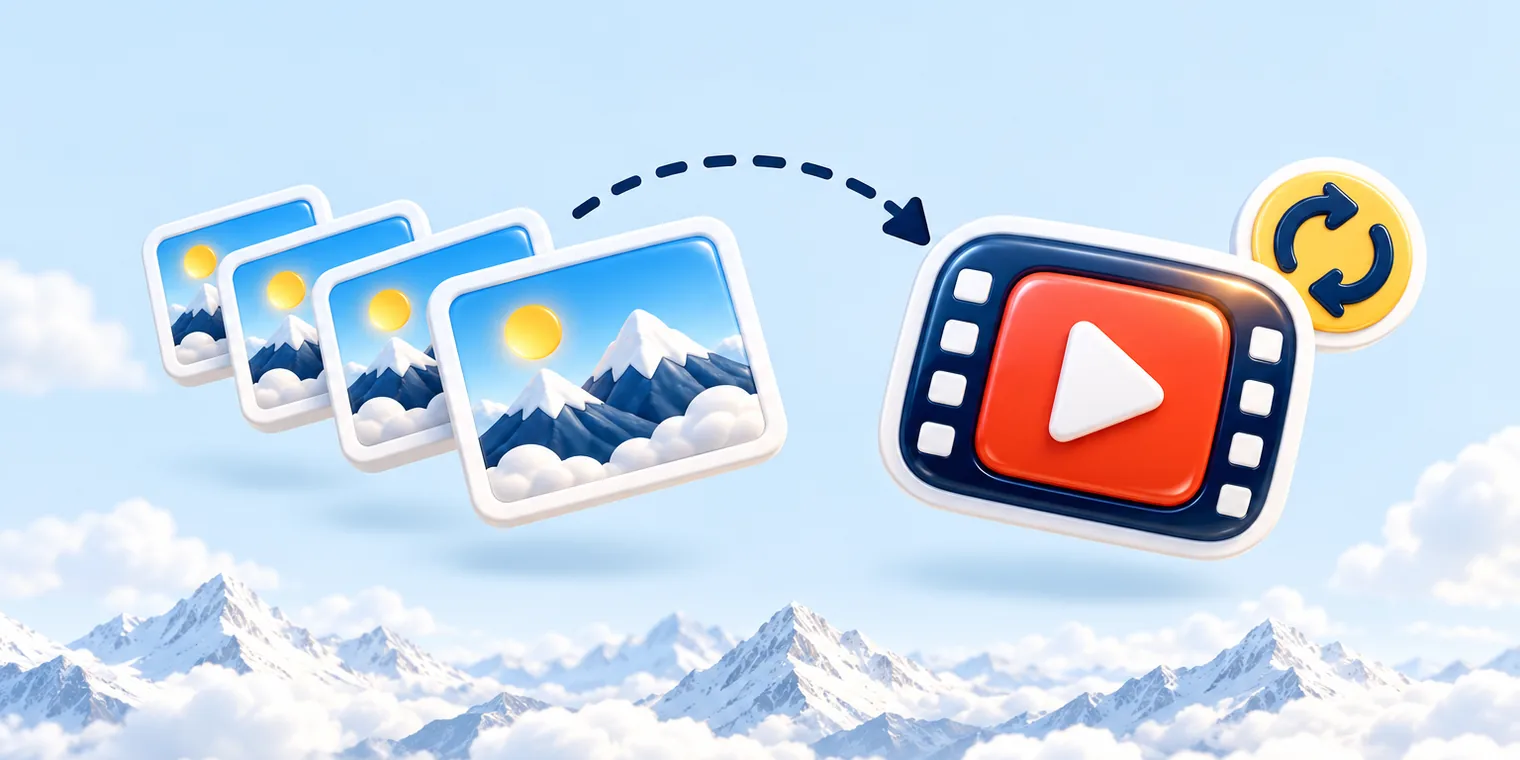
GIF to MP4 Converter
This converter works entirely in your browser. Your files are never uploaded to any server.
What this GIF to MP4 converter does
The settings and limits, exactly as the converter applies them.
1
Stays on your computer
Frames are decoded and encoded in your browser. The GIF is never uploaded.
2
4 width choices
Original (capped at 1920 px), 1080, 720 or 480 px wide. It only scales down.
3
5 repeat counts
Repeat the animation 1, 2, 3, 5 or 10 times, because an MP4 does not loop by itself.
4
Up to 100 MB
Drop in a GIF of up to 100 MB. Free, with no watermark.
How do I convert a GIF to MP4?
You can convert a GIF to MP4 in three steps, with no app to install.
- Drop your GIF onto the converter above, or click to browse (up to 100 MB).
- Choose your settings for max width, repeats and background colour, or keep the defaults.
- Press Convert, preview the video, then download the MP4.
The result is an H.264 MP4, the video format most players and websites expect. Short GIFs finish in seconds. Long or large ones take longer, because your browser encodes every frame itself.
Why convert a GIF to MP4?
An MP4 is usually much smaller than the GIF it came from, because video compresses frames far better than the GIF format can.
Some sites and apps take video uploads but not GIFs. A GIF also stores each frame with a 256-colour palette, a limit an MP4 does not have.
Check the upload rules of the place you are posting to, since each one sets its own.
What happens to transparency?
Transparent areas in your GIF are filled with a solid colour, because MP4 has no transparency. The default is white.
Pick a background colour that matches where the video will sit, such as a dark slide or a coloured page. If your GIF is fully opaque, the background colour makes no difference.
How do I make the MP4 loop?
An MP4 does not loop on its own, so a converted GIF plays once and stops unless you ask for more.
Set Repeat to 2, 3, 5 or 10 and the repeats are written into the file. Or leave it at 1 and turn on looping in the video player or slide tool you use.
Repeating makes the file longer and bigger, roughly in proportion to the count. Keep it low unless you need a fixed run time.

Does it keep the GIF's timing?
Yes. Every frame keeps the delay stored in the GIF, so slow and fast moments play as they did.
One exception: a delay of 0 or under 20 ms is set to 100 ms. Most browsers apply a similar rule when they play such a GIF, so the MP4 should look the way you remember it.
The output width and height are rounded to even numbers, which video encoders need. Max width is original (capped at 1920), 1080, 720 or 480, and it only scales down.
Is it safe to convert GIFs here?
Yes. The GIF is decoded and re-encoded inside this browser tab, and the file is never sent to Screencap or to anyone else.
That matters for screenshots of private chats or unreleased work. Many online converters upload what you give them to their own servers, so it is worth knowing which kind you are using.
Frequently asked questions
Is there a free GIF to MP4 converter with no watermark?
Yes. This GIF to MP4 converter is free, needs no account and puts no logo on your video. The work happens on your own computer, so large GIFs never sit in an upload queue.
How big a GIF can I convert?
Up to 100 MB. The output is capped at 1920 px wide, and you can scale it down to 1080, 720 or 480 px. It never scales up.
Why does my MP4 not loop?
MP4 files have no loop setting of their own. Choose Repeat 2, 3, 5 or 10 times to bake the repeats into the file, or switch on loop in the video player you use.
Will the MP4 be smaller than the GIF?
Usually, and often by a wide margin, because video compression handles moving pictures far better than GIF does. Very small or simple GIFs can come out close in size. Each extra repeat makes the MP4 longer and bigger.
Can I convert a GIF to MP4 on Mac or Windows?
Yes. Open this page in Chrome or Edge on either and use the converter above. There is nothing to install, and the result is the same H.264 MP4 on both.
Which browsers does it work in?
It works best in Chrome or Edge on a computer. If your browser cannot encode H.264 video, the tool tells you so instead of producing a broken file.
More free tools
Need to show something on screen?
Record it with Screencap and send a link instead of a GIF. The link plays in any browser, and in the Mac app you can turn on end-to-end encryption, which keeps the key in the link where our servers never see it.